 Zed Browser
The private browser
for Android
Blocks ads and trackers, downloads videos and warns you about scam pages. Turn on No history and nothing you browse stays on your phone.
Free, optional Premium · 18 languages · No sign-up · Phones, tablets and Chromebooks
Everything a private browser should do, and more
The protection Brave and DuckDuckGo give you, plus what they don't: a video downloader and AI scam warnings.
- Ad blocker
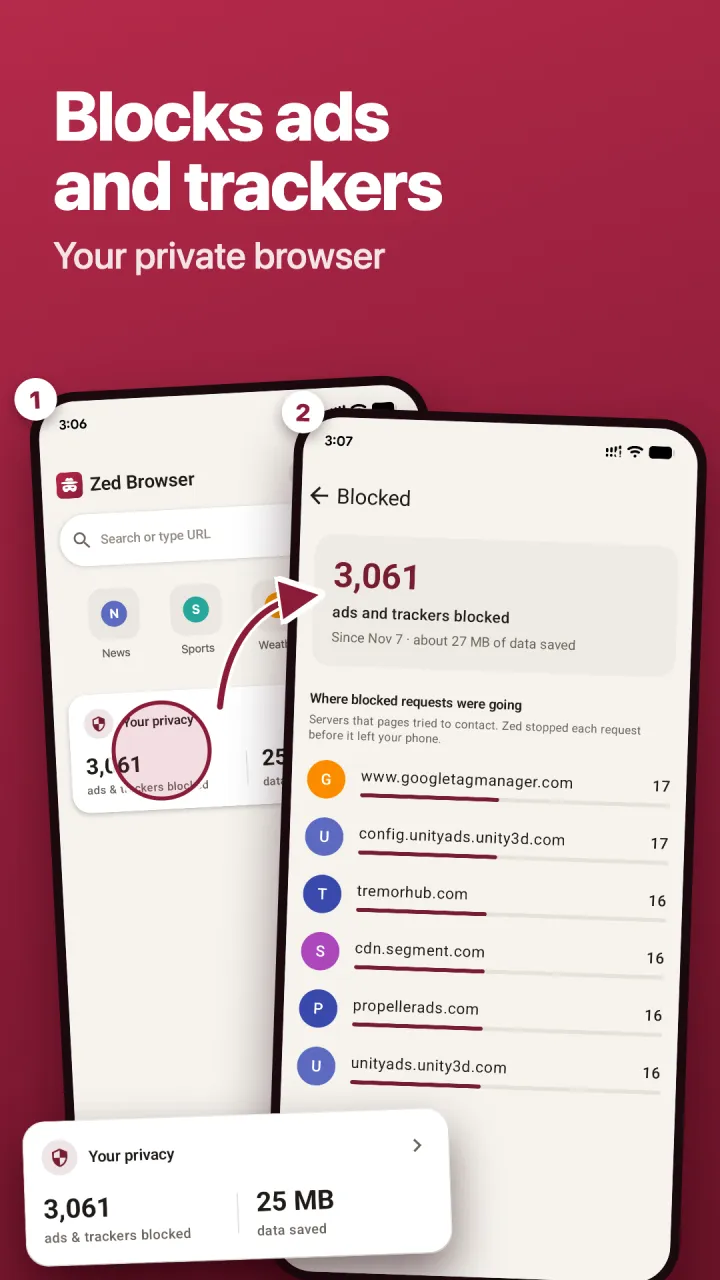
Blocks ads and pop-ups on every site
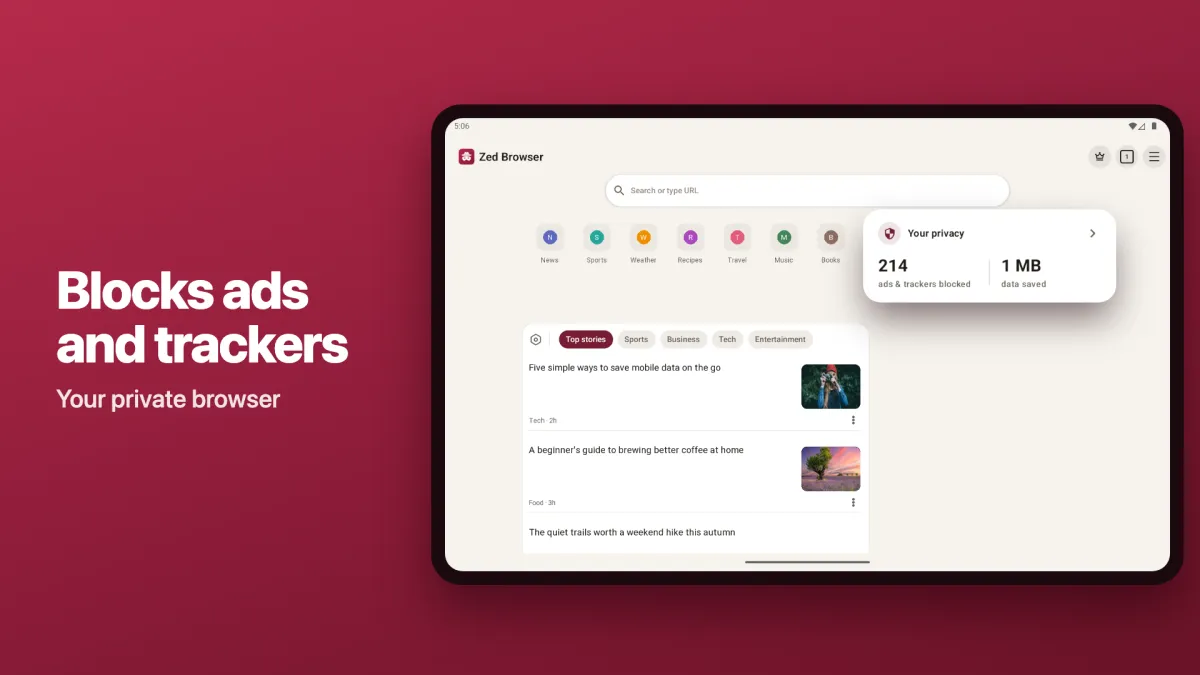
Pages load faster and use less data. See exactly what was blocked and how much data you saved.
Ad blocker for Android → - Video downloader
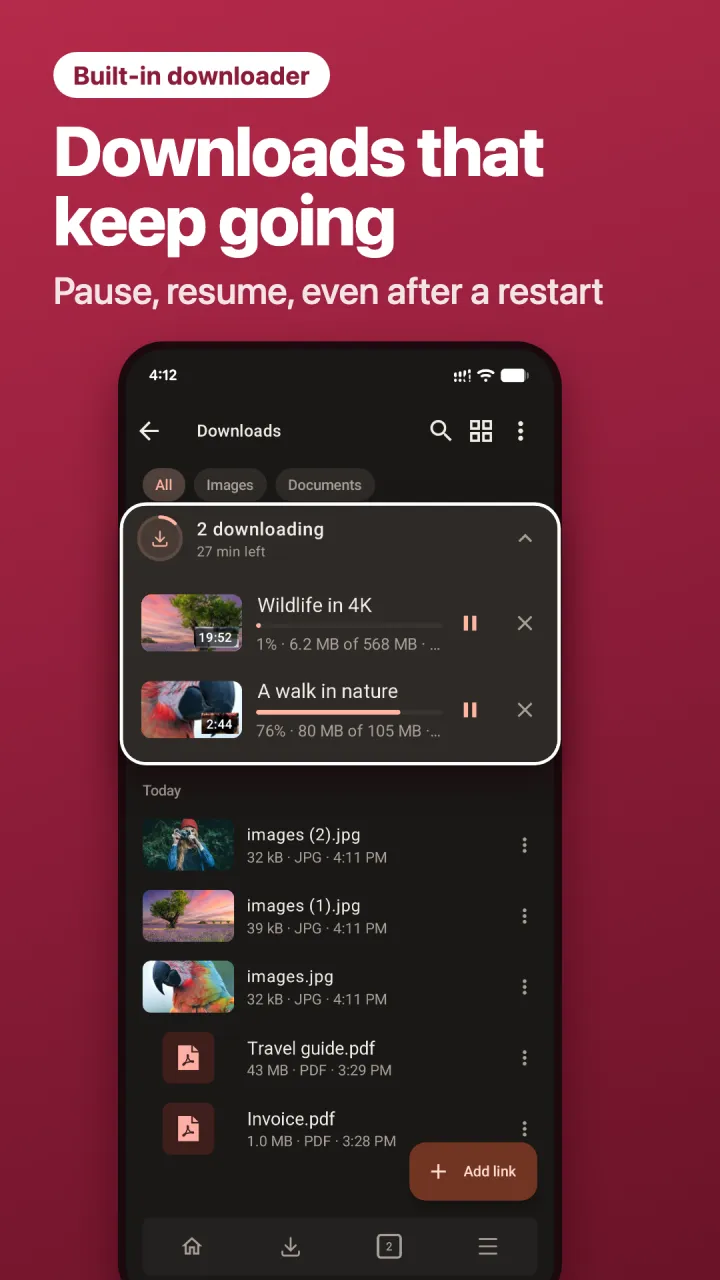
Save videos from the pages you visit
Downloads pause, resume and pick up after a restart. Installed from Google Play, not a risky APK.
Video downloader for Android → - Scam warnings
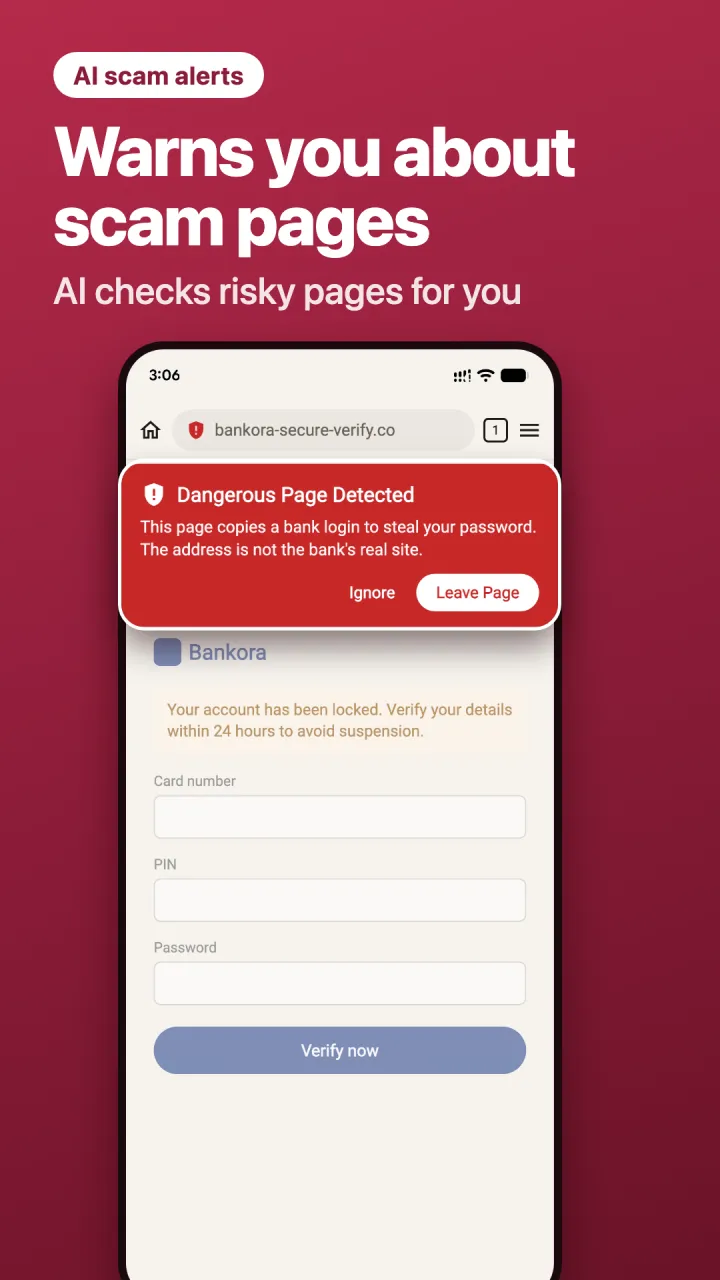
Warns you about scam and phishing pages
AI checks risky pages, like fake logins and scam stores, so you can leave before you type a password or pay.
Scam website detector → 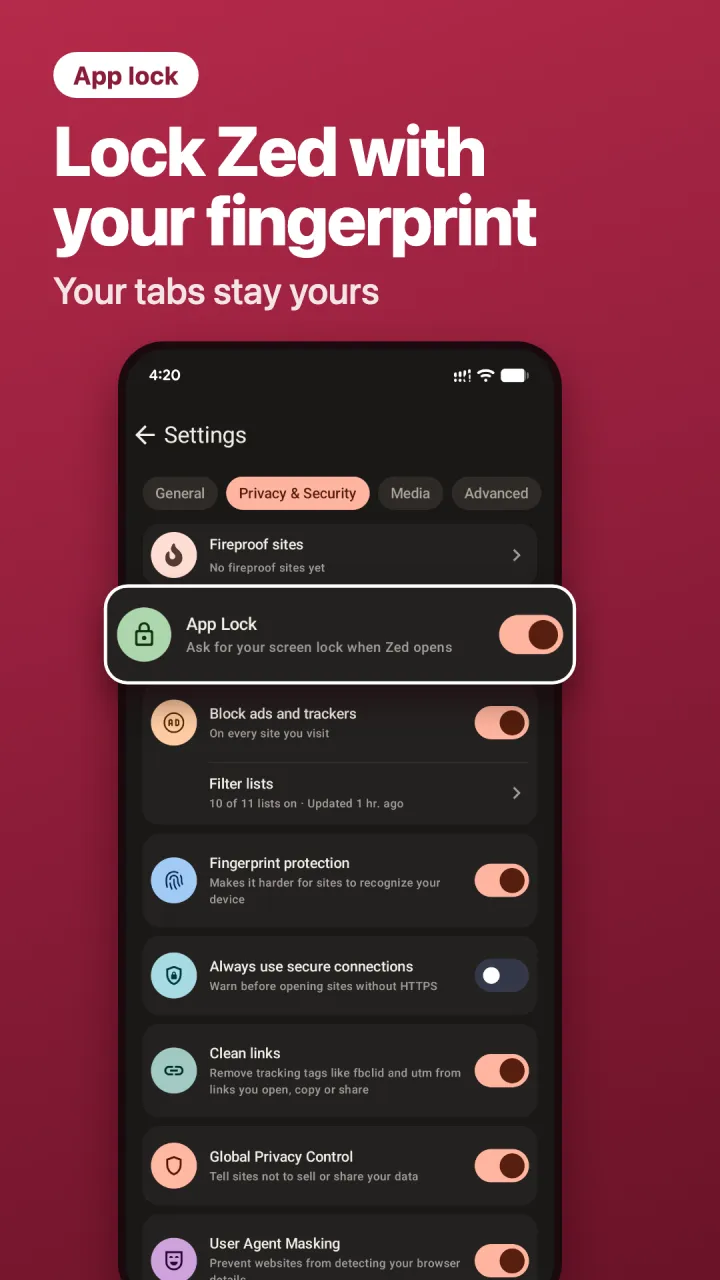 No history
Nothing stays when you close it
Turn on No history and your tabs, cookies and history are wiped every time you leave. Lock Zed with your fingerprint.
Incognito mode on Android →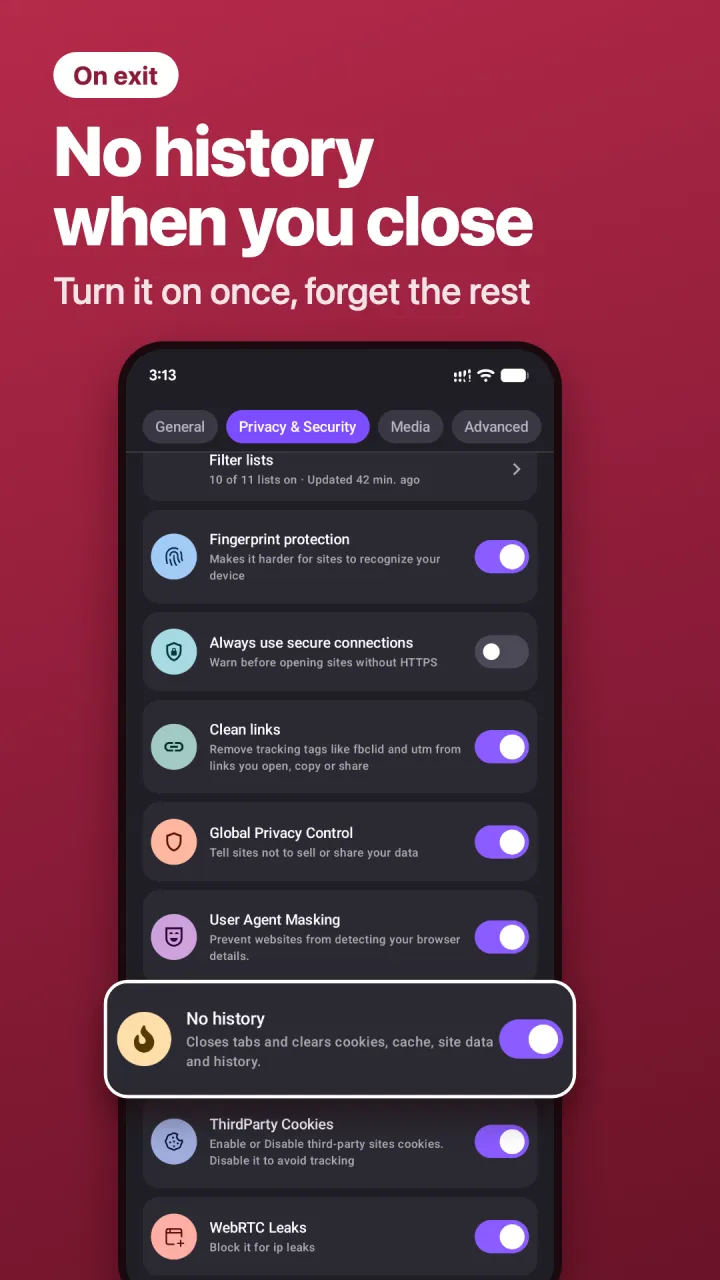 Anti-tracking
Harder to track, harder to fingerprint
Trackers, tracking links and WebRTC leaks blocked. Harder for sites to recognise your phone.
Anti-tracking →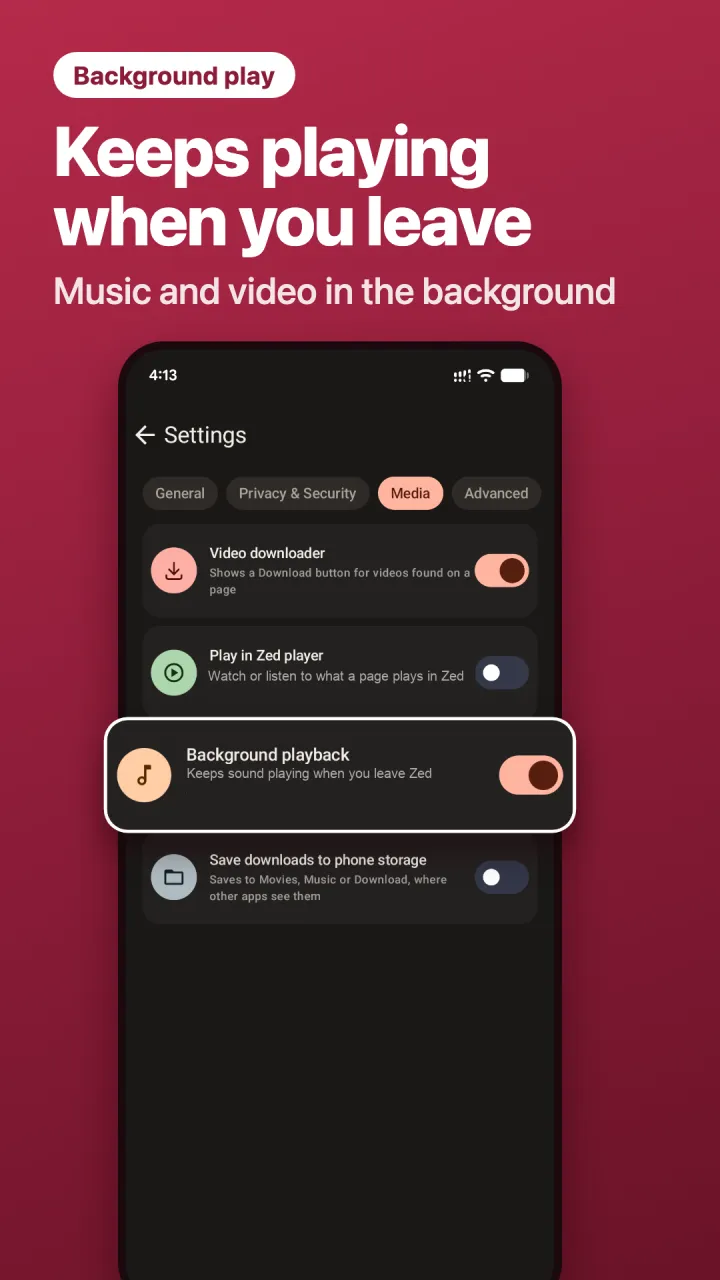 Background play
Keeps playing when you leave
Turn on background playback and audio and video from web pages keep playing while you use other apps.
Background play →
Made for tablets and Chromebooks too
On a big screen your tabs sit in a strip across the top, like a desktop browser. Install it from Google Play on your Android tablet or Chromebook.
How Zed compares
Default settings on Android. See the full comparison
| Feature | Zed | Chrome | Brave | DuckDuckGo | Samsung Internet |
|---|---|---|---|---|---|
| Blocks ads and trackers by default | ✓ | ◐ | ✓ | ✓ | ◐ |
| Built-in video downloader | ✓ | ◐ | ✕ | ✕ | ◐ |
| AI check of risky pages, beyond a list of known scams | ✓ | ◐ | ◐ | ◐ | ◐ |
| One-tap clear of all tabs and data | ✓ | ◐ | ◐ | ✓ | ✕ |
| Fingerprint protection by default | ✓ | ✕ | ✓ | ✓ | ◐ |
Swipe the table for more browsers →
Compared with default settings on Android, from each browser's own help pages and release notes. Correct as of November 2026. Zed's AI page check has 5 free scans a day; Premium checks every unknown page.
Sources
- Chrome: ad filtering only on sites that fail the Better Ads Standards
- Chrome: download button for some videos (2016)
- Chrome: Delete browsing data on Android
- Chrome: AI scam detection on Android covers notifications
- Brave Shields
- Brave Playlist (Android: not yet)
- Brave Safe Browsing
- Brave Shred on Android
- DuckDuckGo ad blocking
- DuckDuckGo web tracking protections
- DuckDuckGo Scam Blocker
- DuckDuckGo Fire Button
- Samsung Internet release notes
- Samsung Internet support